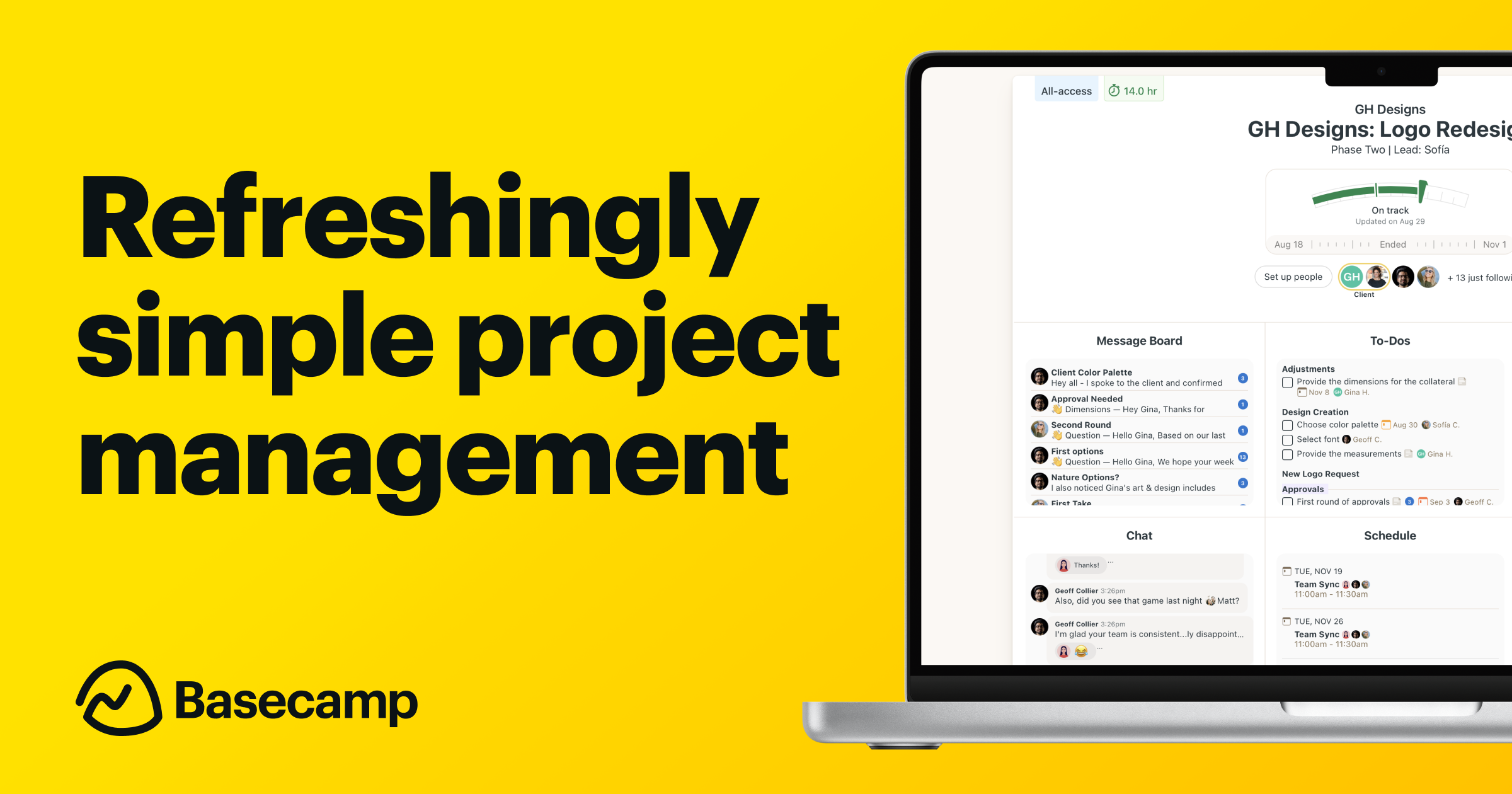
 Basecamp
Basecamp is an all-in-one project management and collaboration platform designed for teams seeking a single source of truth for tasks, schedules, docs, and conversations. It unifies messaging, to-dos, file sharing, and timelines in a simple, flat-rate package that scales from small teams to larger organizations.
Click for detailed info Hide detailed info
Pros
- Flat-rate pricing for unlimited users
- All-in-one workspace combining tasks, docs, schedules, and discussions
- Built-in communication tools (Campfire chat and message boards) and centralized file sharing
- Simple, intuitive UX with strong mobile apps
Cons
- Interface can feel dated and less modern compared to some competitors
- Fewer advanced PM features (dependencies, capacity planning, granular reporting) than specialist tools
- Limited native automation and customization options; integrations may require workarounds
Frequently Asked Questions
Is Basecamp free?
Basecamp offers a free Basecamp Personal plan with limited projects and users. For teams needing more projects and unlimited users, Basecamp Business is available as a paid flat-rate plan (commonly listed at $299/month) after a trial period; pricing may vary by region. A 30-day free trial is typically offered for the paid plan.
Who is Basecamp ideal for?
Ideal for small to medium teams, agencies, nonprofits, and distributed teams that want a single, easy-to-use hub for project planning, collaboration, and documentation without per-seat pricing or heavy customization. Early-stage startups and clients who value clear communication over complex PM features often fit well.
What is Basecamp best used for?
Basecamp is best used as a simple, centralized workspace for small to mid-sized teams to plan projects, assign tasks, store documents, and discuss work without relying on scattered emails or fragmented tools.
How does Basecamp compare to competitors?
Compared to tools like Asana, Trello, and Notion, Basecamp prioritizes simplicity and an all-in-one approach over granular PM features. It provides a flat-rate model, built-in chat and discussions, and a unified place for tasks, files, and timelines, which can reduce email and tool sprawl. However, it may lack some advanced workflow automations, custom fields, or deep reporting found in these competitors.
Looking for alternatives?
Compare Basecamp against the top productivity tools.
View All Alternatives to BasecampRelated Productivity Tools
 Notion
Notion is an all-in-one workspace that combines note-taking, project management, and collaboration tools that streamline workflows for teams and individuals alike. It serves a wide range of industries by providing customizable and flexible organization solutions.
 Trello
Trello is a visually intuitive project management tool that enables teams to organize tasks and collaborate seamlessly using boards, lists, and cards. Ideal for businesses of all sizes, Trello streamlines workflow and improves productivity through its user-friendly interface and versatile integrations.
 Todoist
Todoist is a powerful task management tool designed for teams and individuals who seek to enhance productivity and organization. With its intuitive interface and robust feature set, Todoist helps users seamlessly manage their projects and tasks across multiple devices.